Web-Based User Interface
Introduction
VOR Stream can be accessed via a web-based user interface, sometimes also referred to as the workbench.
This is a how-to guide for the user tasks that can be performed in the UI.
Accessing the UI
To access the VOR Stream UI, your administrator needs to set you up with a username and a password. Once you have that, you navigate to the secure url of the UI.
The first time you log into the UI, you will get prompted to select a playpen. A playpen is a workspace for VOR Stream tasks. A playpen can be private to a user or shared (public) between a group of users. Only already created playpens can be accessed from the UI.
Once you have selected a playpen, you will be transferred to the home screen of the UI. The UI will remember the last playpen you were in for the next time you log in. You can switch between playpens by clicking on the playpen name to the upper right and select another. You can only be in one playpen at a time. Playpens are distinct from one another.
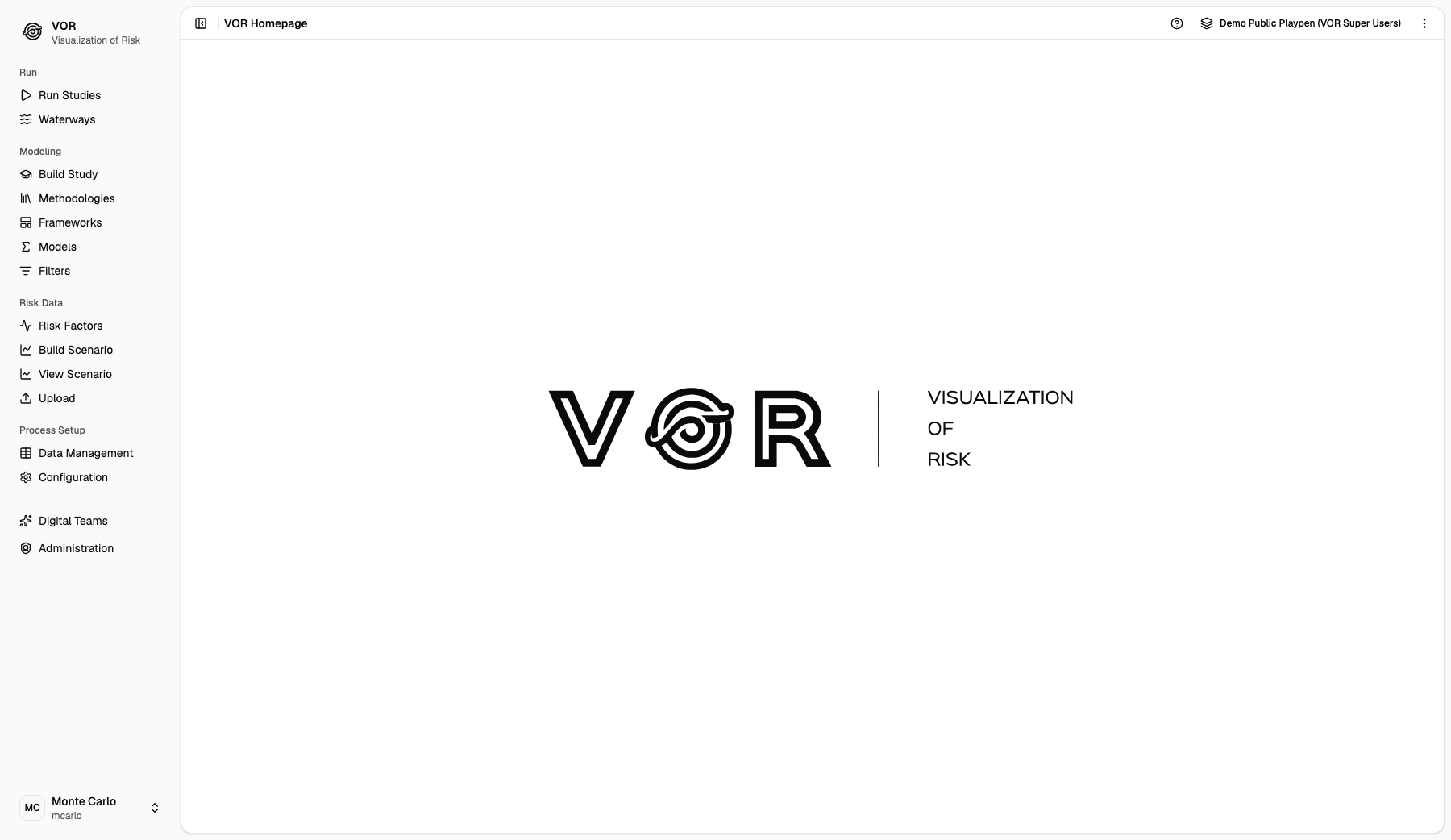
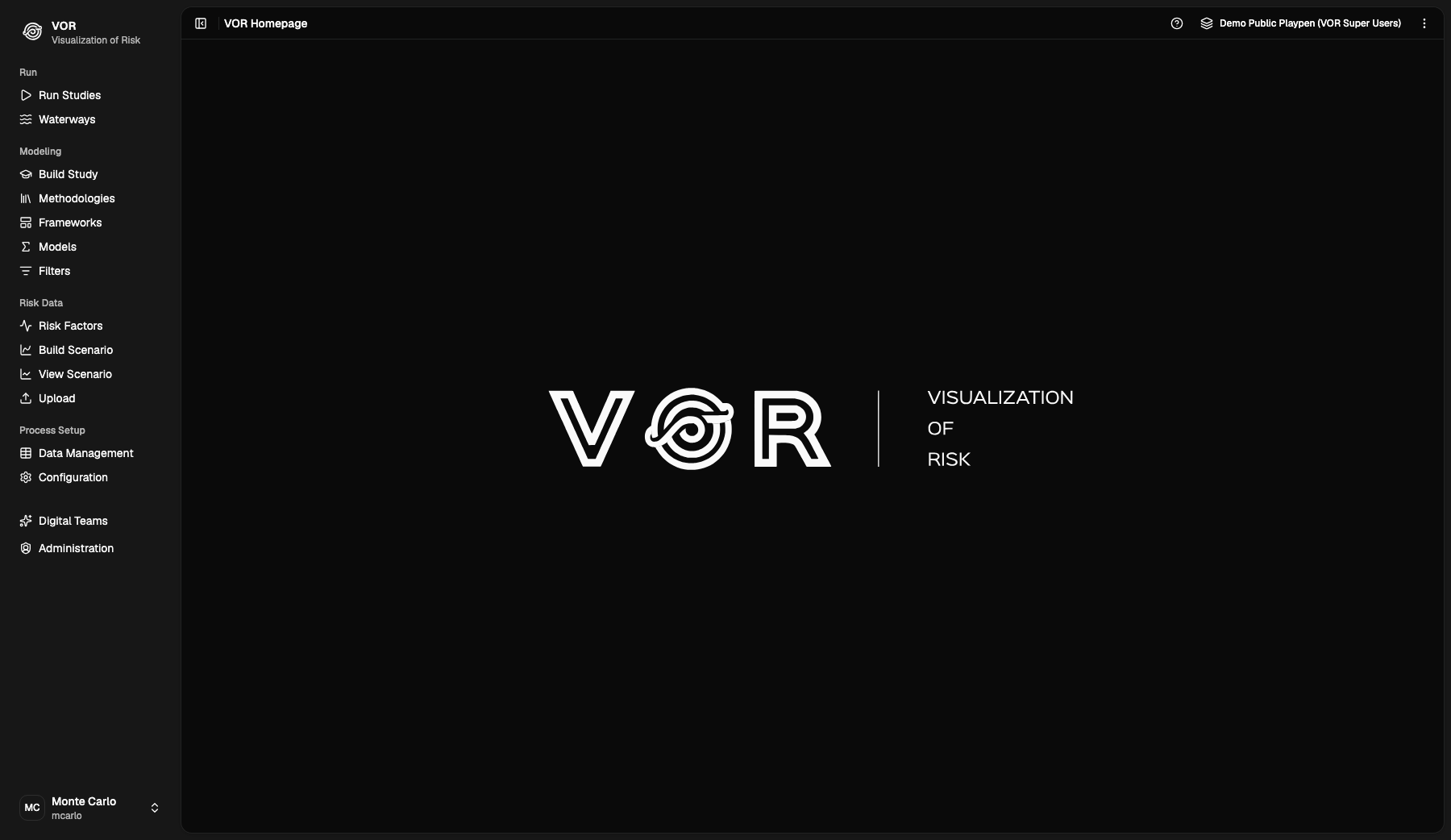
The sidebar on the left of the home page is grouped into sections:
- Run: Run Studies and Waterways
- Modeling: Build Study, Methodologies, Frameworks, Models and Filters
- Risk Data: Risk Factors, Build Scenario, View Scenario and Upload
- Process Setup: Data Management and Configuration
VOR Digital Teams and Administration sit below the sections, and the card at the bottom holds the signed-in user's account menu. Each linked entry has its own how-to guide.