Build Your First Structured Model
In this tutorial, you will build and run a structured model with one input. By
the end, one record with an LTV of 0.82 will produce a verified score of
1.74.
What you will build
The model uses no normalization, so its output is the raw regression value:
score = 0.10 + (2.00 × ltv)
| Input | Value | Expected output | Value |
|---|---|---|---|
ltv |
0.82 | score |
1.74 |
This deliberately uses a direct Dictionary Reference. Dynamic fields and scenario factors come later in the use cases.
Before you begin
You need:
- a running VOR Stream environment and permission to create a model
- a Model Type and LOB available in the Models editor
- a playpen in which you can edit
src/dictionary.csvandsrc/tables.csv, add a stream file and runvorcommands
The process selects the model by name, so this tutorial does not require a Framework or scenario. For background, see Creating Model Nodes.
1. Prepare a runnable record
Ensure these variables exist in the playpen's src/dictionary.csv:
name,type,descr,arraylen,group,genformat
ltv,num,Loan-to-value ratio,0,portfolio,
score,num,Structured model score,0,model_output,
If the file already has a header, its column order may differ. Add only missing
variables, placing each value under the matching header. An existing ltv or
score row must have type num; keep its other metadata. If the name already
has another type, use a different name consistently throughout the tutorial.
Add queue definitions using the layout already present in the playpen's
src/tables.csv:
tablename,varname,type,descr,arraylen,inherit,groupkey
starter_input,,,Structured model tutorial input
starter_input,ltv,num
starter_output,,,Structured model tutorial output,,starter_input
starter_output,score,num
name,type,descr,inherit,groupkey
starter_input,,Structured model tutorial input,,
ltv
starter_output,,Structured model tutorial output,starter_input,
score
Do not mix the two layouts. The name layout requires name as its first
header because the parser recognizes each field by its single-column row.
Insert each field directly below its table row and before the next table. The
tablename,varname layout supports other header orders; place each value under
the matching header. Add only missing definitions, and confirm starter_input
contains ltv, starter_output contains score, both fields resolve to type
num, and starter_output inherits starter_input. If an existing definition
is incompatible, use a different name consistently throughout the tutorial.
Create structured_model_tutorial.strm in the playpen root:
name structured_model_tutorial

in input.csv -> starter_input

model (starter_input)(starter_output)
    model_name="Starter LTV Score"

out starter_output -> output.csv
Create input/input.csv:
ltv
0.82
Register the variables before the tables, because table registration resolves dictionary references. Then generate the queue and process code:
vor update dictionary --file src/dictionary.csv
vor update tables --file src/tables.csv
vor create queue --data src/tables.csv
vor create process structured_model_tutorial.strm
The score output column is essential. A model result whose name matches no
output queue column is dropped even when the run succeeds.
2. Create the model
- Open the Models tab.
- Click the Model icon.
- Enter Starter LTV Score as the Model Name.
- Select the Model Type and LOB available for this tutorial in your environment.
- Select Structured above the editor.
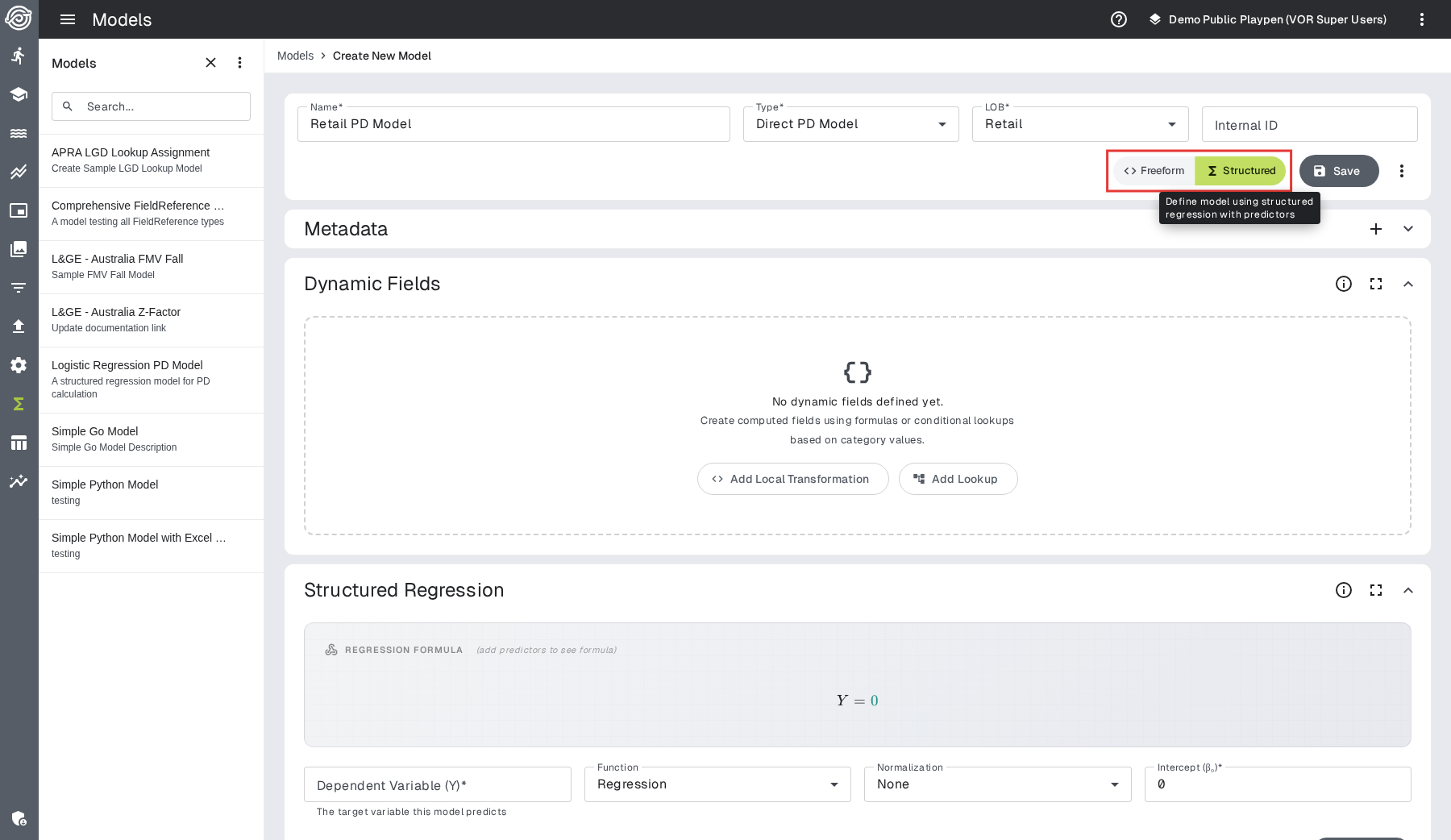
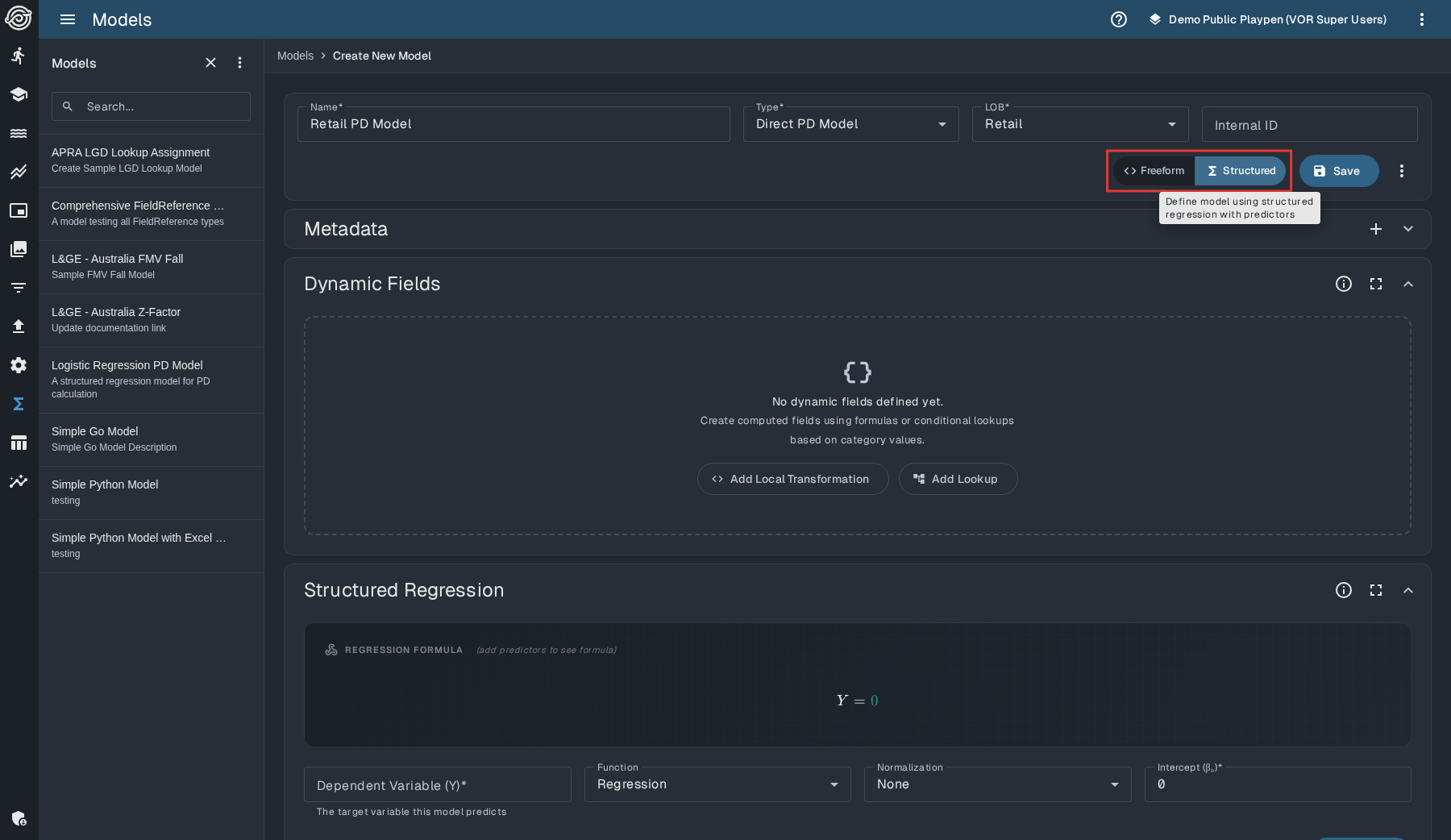
The Dynamic Fields panel appears above Structured Regression. Leave it
empty for this model: ltv already exists as a dictionary column and can feed a
predictor directly.
3. Configure the regression
Enter these values in Structured Regression:
| Setting | Value |
|---|---|
| Dependent Variable (Y) | score |
| Function | Regression |
| Normalization | None |
| Intercept (β₀) | 0.10 |
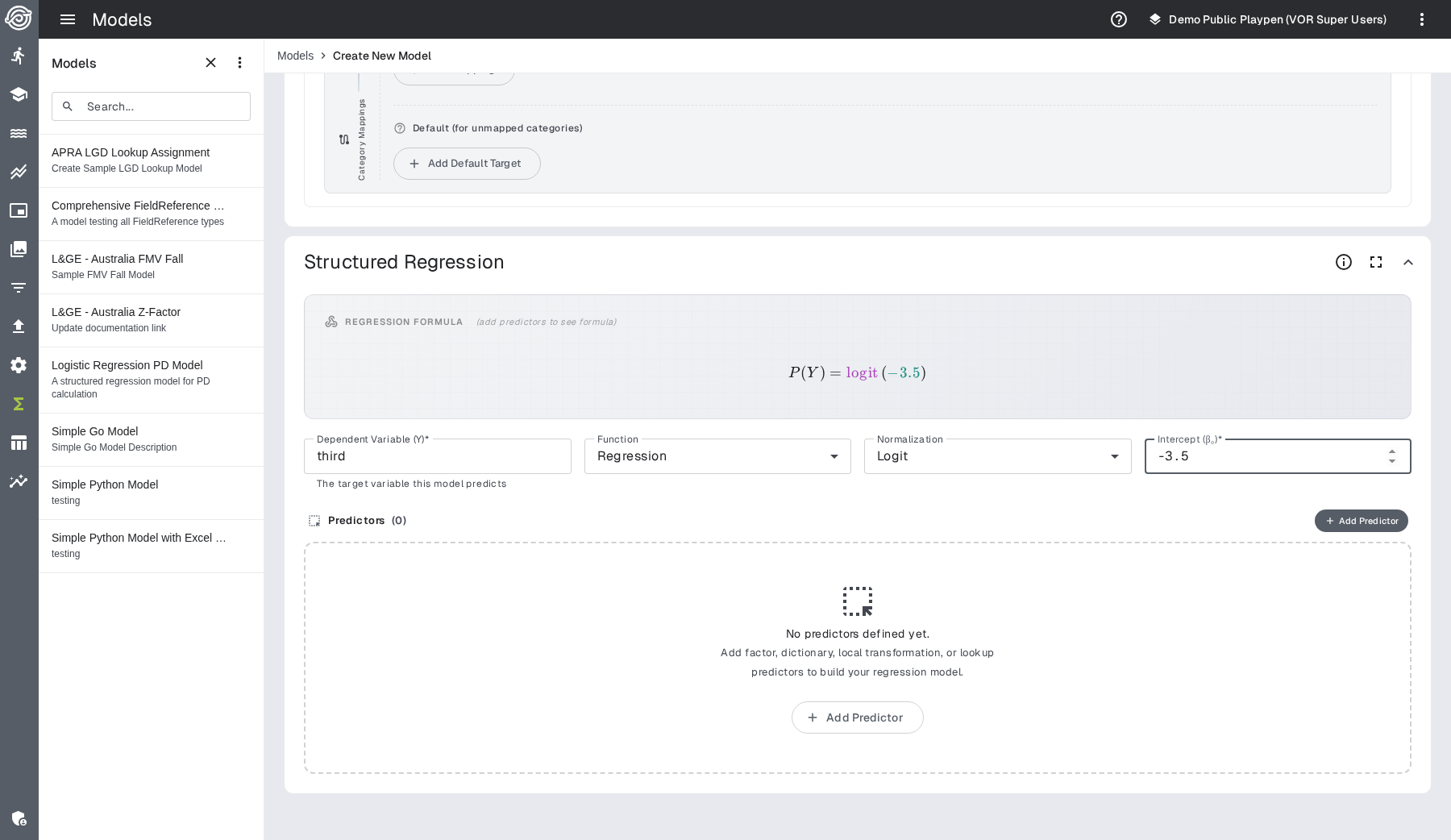
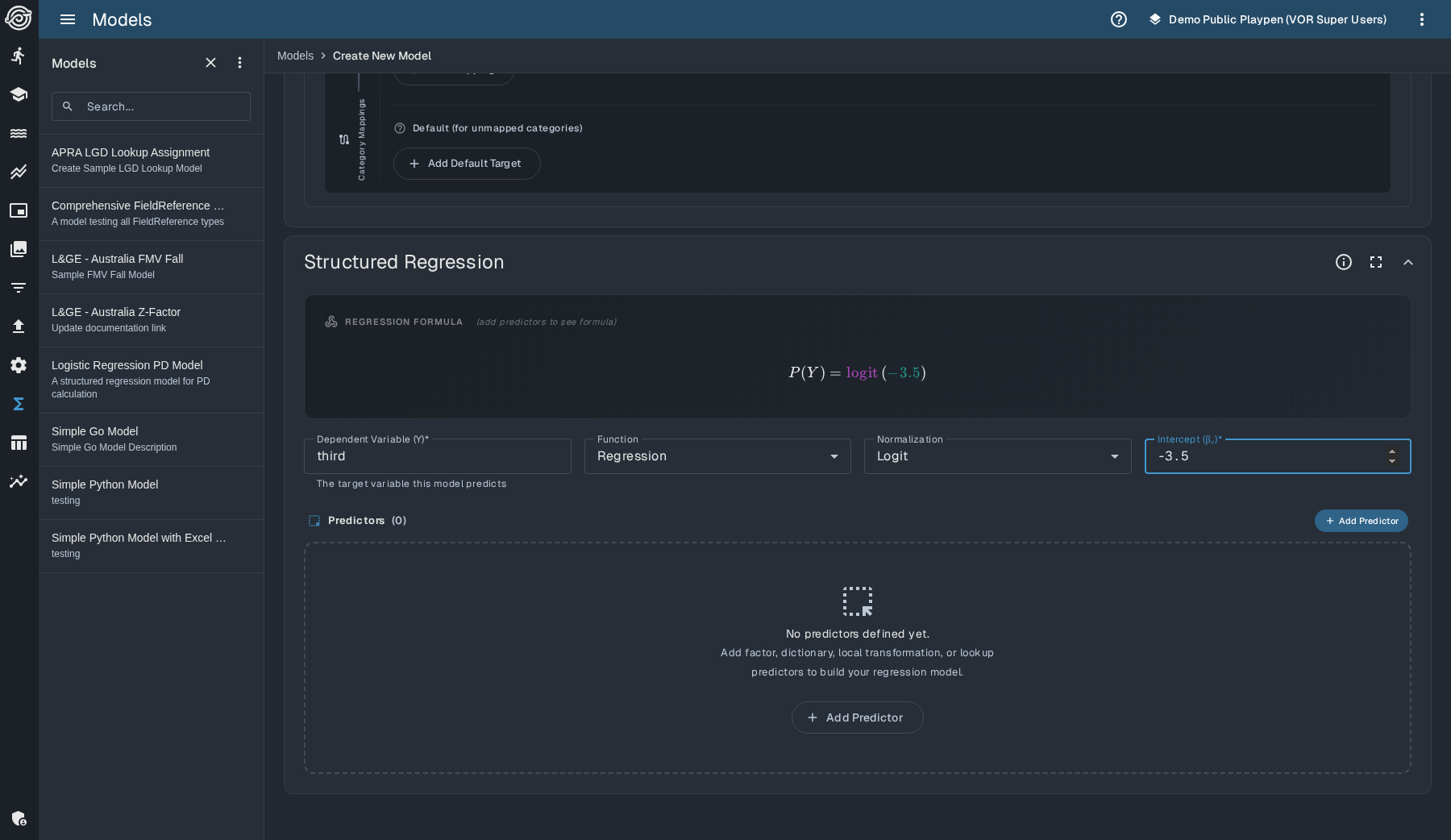
The dependent variable names the result. It must match the score column you
declared on starter_output.
4. Add the predictor
Click Add Predictor, then enter:
| Predictor field | Value |
|---|---|
| Source | ltv |
| Coefficient (β) | 2.00 |
| Exp | 1 |
The formula preview should now have this shape:
Y = 0.1 + 2 × ltv
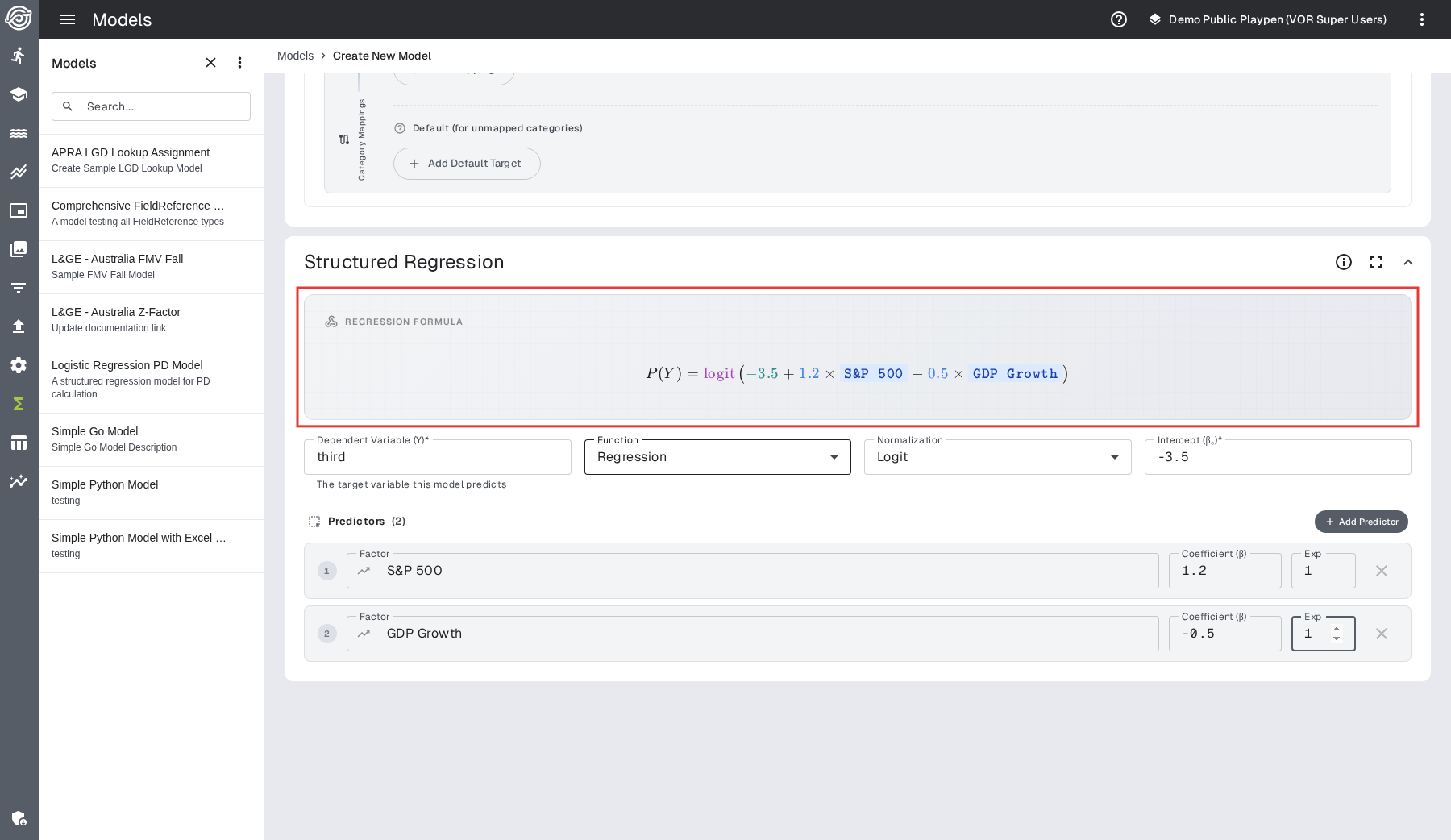
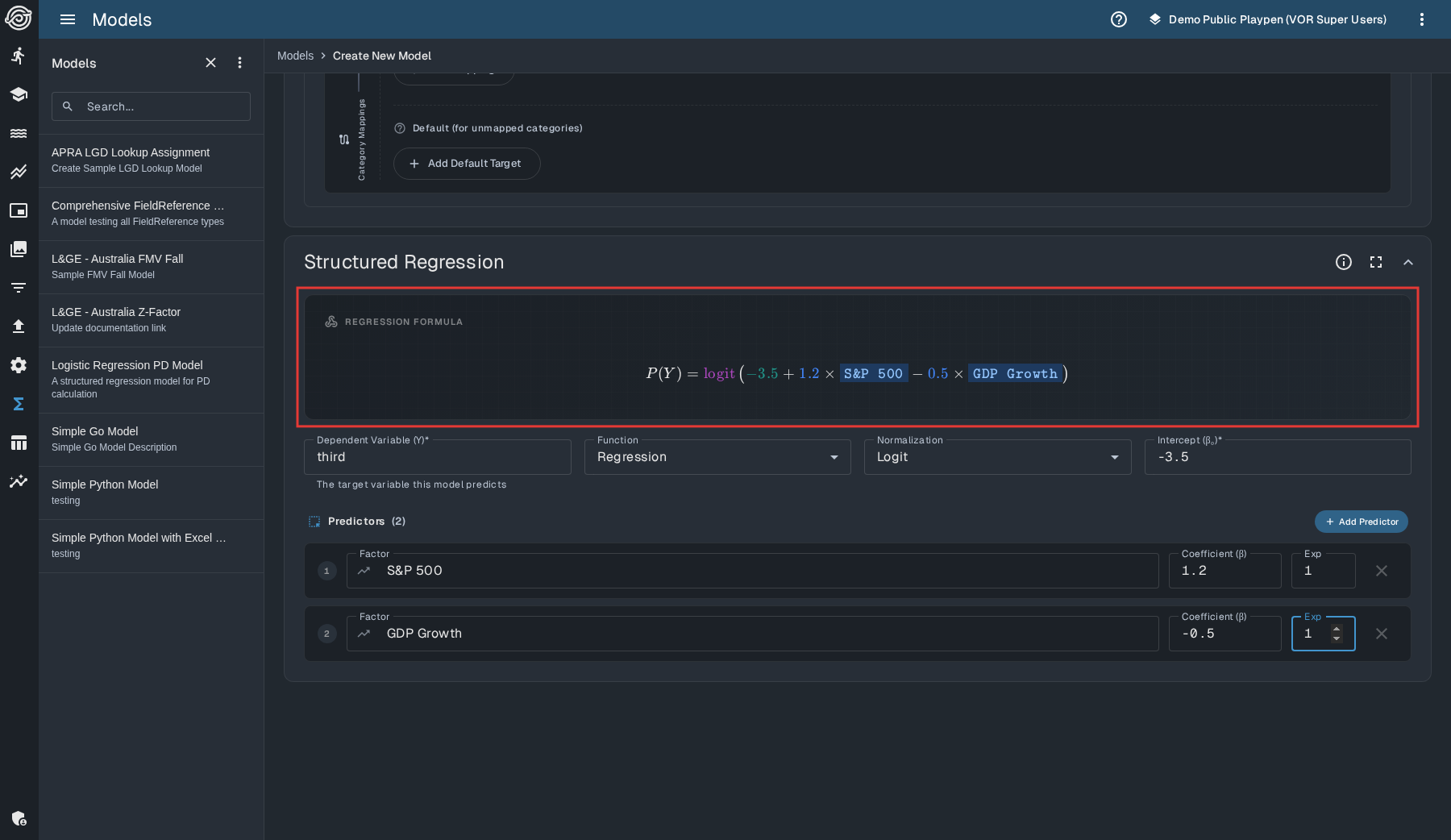
Notice that the preview combines the intercept, coefficient and predictor. If it does not, compare each value with the two configuration tables before continuing.
5. Save the model
Click the icon, enter the save comment and confirm the save. Starter LTV Score should appear in the Models list.
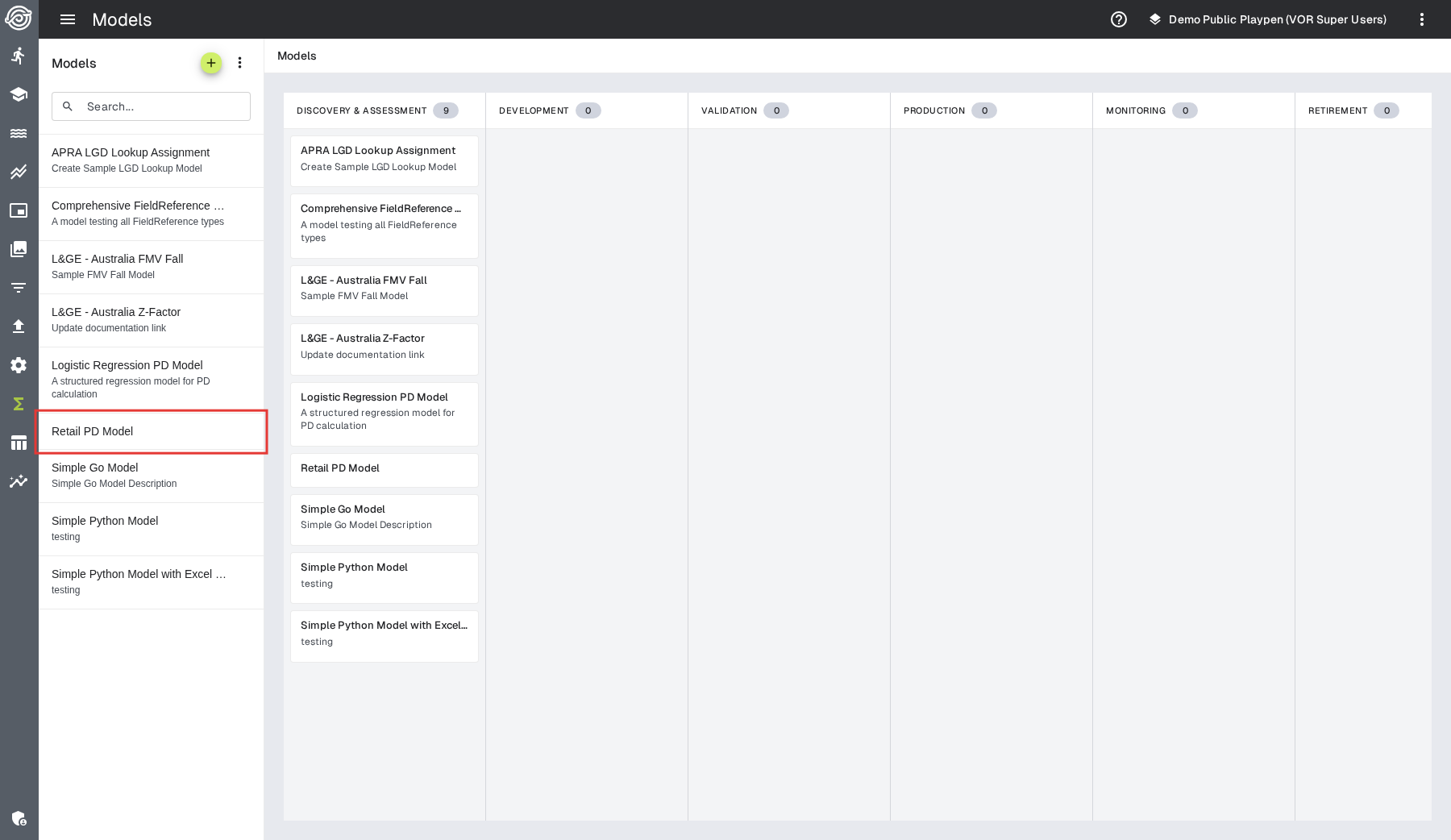
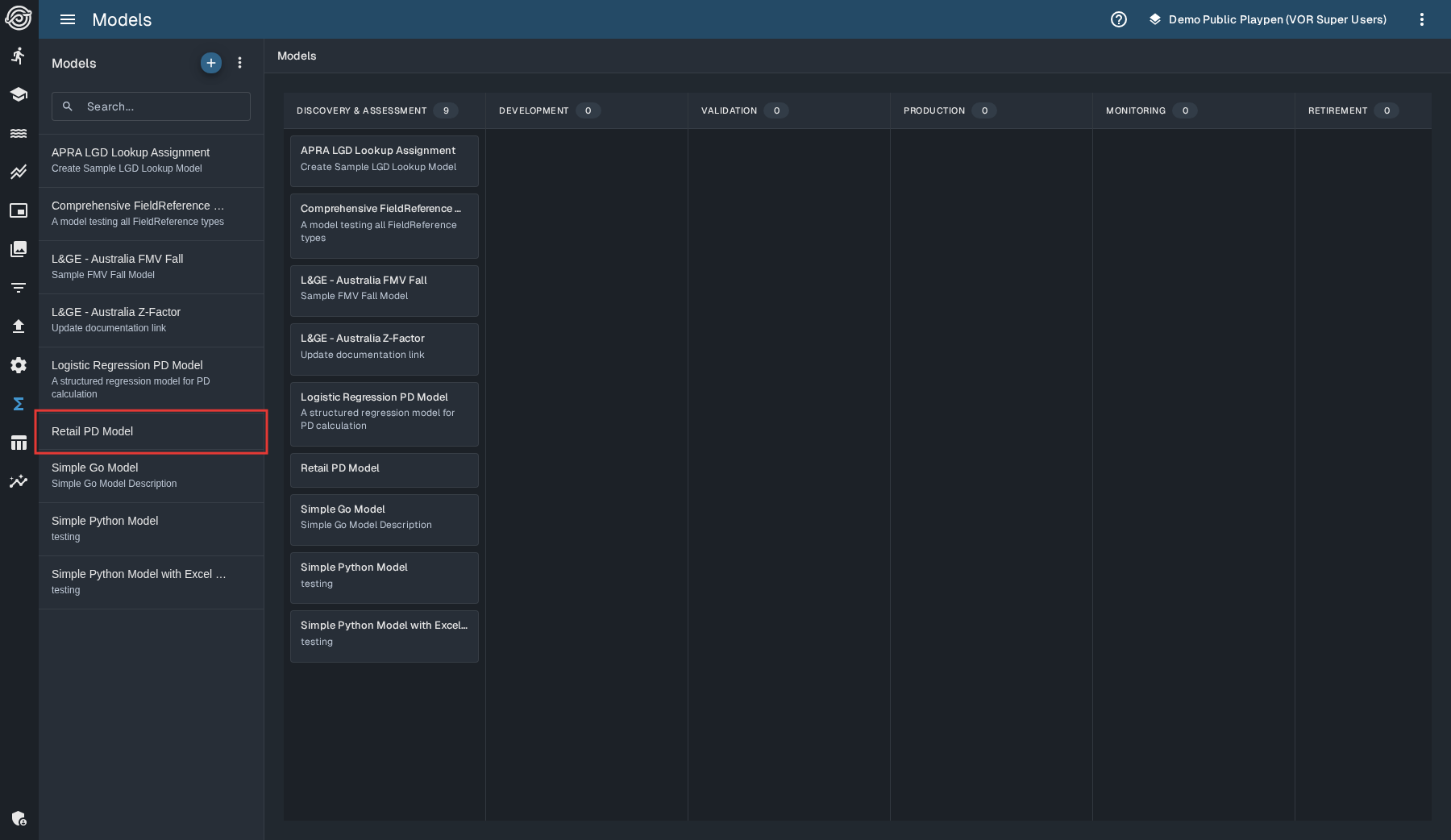
Saving verifies the model definition. Running it verifies that the model, process and output queue agree.
6. Run the model
From the playpen root, run:
vor run structured_model_tutorial
The process reads the one input record, selects Starter LTV Score by the
model_name in the stream file and writes output/output.csv.
7. Verify the result
Open output/output.csv and find the record with ltv = 0.82. Its score
should be 1.74:
0.10 + (2.00 × 0.82) = 1.74
| ltv | score |
|---|---|
| 0.82 | 1.74 |
If the run succeeds but score is missing, confirm that:
- the model's Dependent Variable (Y) is named
score starter_outputdeclares ascorecolumn- queue code was regenerated after adding the column
See What a model node writes to its output queues for the complete output rule.
What you have learned
You have followed the complete structured-model loop:
- declare the model's input and output fields
- configure a regression from a dictionary predictor
- use the formula preview to check the equation
- save, run and verify a known result
Next, use the structured model use cases to add transformations, lookups, scenario factors and chained models. Return to the Structured Models overview when you need the field dependency rules.